Backed by a Lifetime Motor Warranty (Started Oct 1, 2026).
.svg)


The modern home is increasingly connected, intelligent, and automated. From smart lighting and climate control to automated security systems, homeowners are embracing technology that simplifies daily routines and enhances energy efficiency. Outside the home, this digital evolution is transforming outdoor living spaces through automated shade engineering.
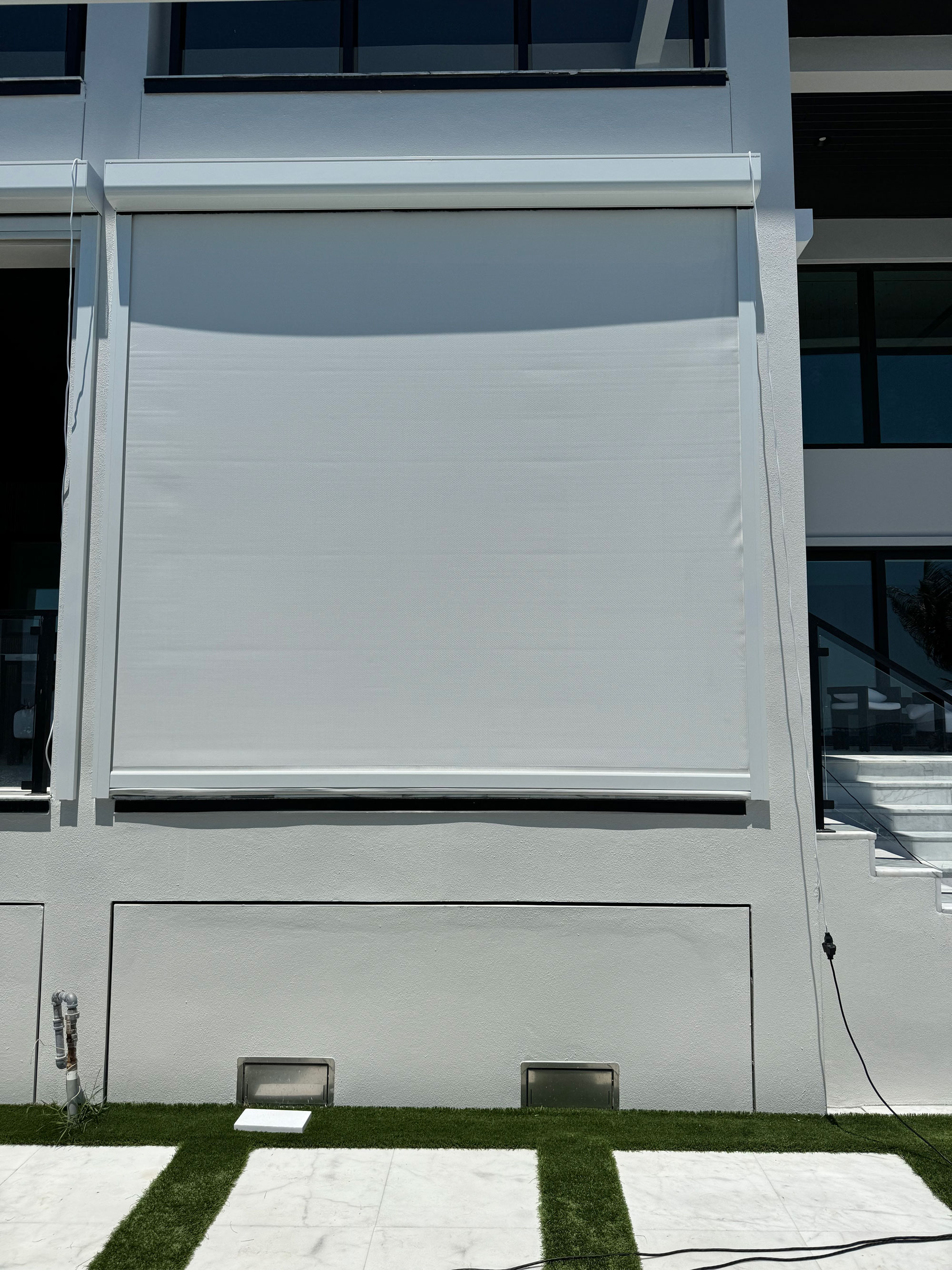
Integrating motorized patio screens into a smart home ecosystem converts a traditional porch, lanai, or pergola into an intelligent, adaptive living space. Rather than manually pressing a wall button or hunting for a misplaced remote control, smart screens automatically react to local weather patterns, sun positioning, voice commands, and personalized daily schedules.
This comprehensive guide breaks down the technical mechanics of smart motorized patio screens, how different control protocols work, the benefits of automated weather integration, and how smart motorization enhances year-round outdoor living.
To understand how a motorized patio screen communicates with a smart home network, it helps to examine the underlying hardware and wireless communication hierarchy.
Smart motorized screen systems consist of three main functional layers: the internal electric motor, the smart interface or bridge, and the controlling application or smart home platform.
Smart Home Control Platform (Alexa, Apple Home, Google)
         │
         ▼
Smart Gateway / Wi-Fi Bridge (Somfy Tahoma, Bond Bridge)
         │
         ▼
Radio Frequency Signal (RTS, Zigbee, Z-Wave)
         │
         ▼
Tubular Motor (Inside Overhead Screen Cassette)
Tucked discreetly inside the aluminum housing cassette at the top of your patio opening is a high-torque tubular motor. Leading motor manufacturers—such as Somfy® and Elero®—build sealed, low-noise electric motors specifically rated for exterior outdoor use. These motors house internal radio receivers designed to capture wireless commands.
Standard motorized screen remotes communicate using proprietary Radio Frequency (RF) signals—typically at 433 MHz. Because smartphones and smart home hubs run on Wi-Fi, Bluetooth, or mesh protocols (like Zigbee or Z-Wave), a specialized gateway bridge is required to translate signals.
Devices such as the Somfy® TaHoma switch or universal bridges like the Bond Bridge connect directly to your home Wi-Fi router. When you issue a command on your phone, the gateway receives the Wi-Fi data and translates it into an RF signal that triggers the screen's internal motor.
Once the gateway is configured, your screens can be linked to major smart home platforms, including Apple HomeKit, Amazon Alexa, Google Assistant, Control4, Crestron, and Samsung SmartThings. This enables centralized control of all your indoor and outdoor motorized systems from a single application interface.
Integrating motorized patio screens into your smart ecosystem unlocks multiple convenient ways to manage your outdoor environment.
Whether you are sitting on the couch, working at the office, or away on vacation, mobile app integration grants complete remote access to your screens.
When hosting a backyard dinner or carrying trays of food out to the grill, hands-free operation becomes invaluable. By pairing your screens with smart assistants, simple voice commands control your outdoor environment instantly:
The true power of smart home integration lies in creating automated "Scenes"—preset configurations where multiple smart devices work together based on a single trigger.
To learn more about setting up intelligent schedules across your entire property, explore our detailed guide on automating interior and exterior shades by room and daily routine.
Outdoor living spaces are constantly exposed to unpredictable environmental changes. Unanticipated wind squalls, heavy downpours, and intense UV spikes can occur in minutes. Automated weather sensors serve as an active protection system for your motorized screens.
Strong wind gusts are the primary cause of damage to exterior shading fabrics and lateral tracks. Automated wind sensors monitor structural vibration and wind speed in real time.
If a severe storm produces gusts exceeding pre-set safety thresholds, the sensor sends an override signal directly to the motor gateway, automatically retracting the screens into their protective aluminum cassettes. This protects the zip-track guidance mechanisms and fabric panels even if you are asleep or away from home.
Autonomous solar sensors measure incoming light intensity (lux) and thermal radiation levels along your home’s exterior walls.
When direct sunlight hits your patio, the solar sensor triggers the screens to deploy automatically, preventing patio surfaces from absorbing extreme radiant heat. Once the sun moves past your roofline and solar intensity drops, the screens automatically retract to restore open views.
Integrated rain sensors detect moisture on your outdoor deck. During light showers, zip-track screens can remain extended to keep your patio seating dry. However, if driving rain is accompanied by high winds, smart programming can automatically pull the screens safely into their housing.
For guidance on selecting the right fabric weave density to balance airflow, wind protection, and solar heat blockage, review our guide on what an openness factor is and why it matters for outdoor screens.
While smart integration offers undeniable convenience, its greatest long-term benefit is significant energy savings on monthly utility bills.
Glass windows and sliding glass doors are major sources of solar heat gain in residential homes. When raw sunlight strikes unprotected exterior glass, thermal energy passes through the glass pane and becomes trapped inside your home, forcing your air conditioning system to work overtime.
Without Smart Screens:
Sunlight ──► Passes through Glass ──► Traps Heat Indoors ──► HVAC Runs Constantly

With Automated Smart Screens:
Sunlight ──► Blocked by Solar Screen ──► Heat Bounced Away ──► HVAC Load Reduced
By equipping your home with automated exterior solar shade options, you intercept up to 95% of incoming solar heat before it ever reaches your window glass.
When linked to a smart home system or programmed astronomical schedules, your screens deploy during peak solar hours and retract when natural light is beneficial in winter. This automated climate defense drastically reduces indoor cooling loads and stabilizes household temperatures.
A complete smart outdoor ecosystem often incorporates multiple types of dynamic shade structures tailored to specific architectural layouts.
While zip-track screens provide vertical perimeter protection around covered lanais, open pool decks and paved patios require overhead shade.
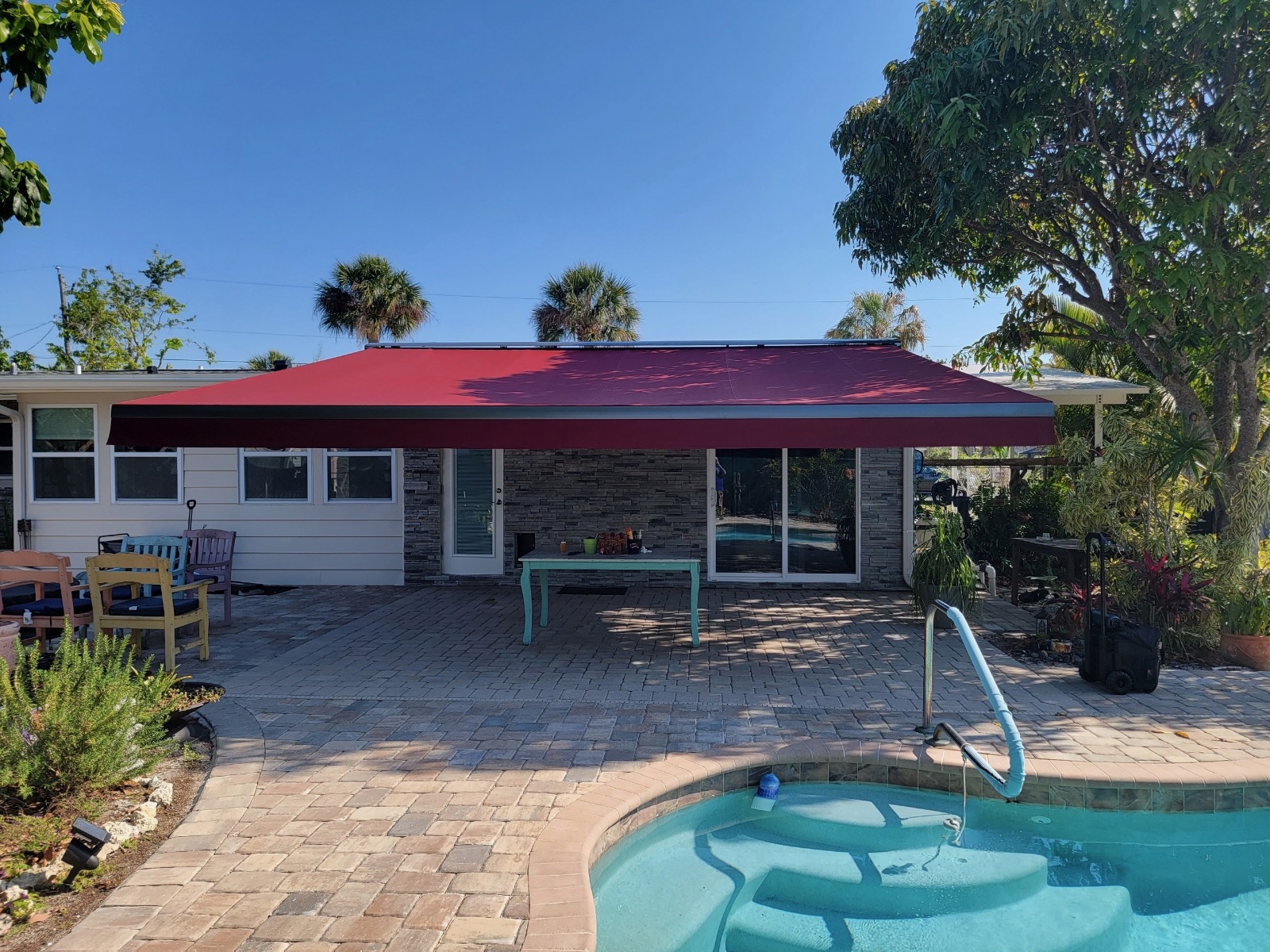
By pairing vertical motorized retractable patio screens with heavy-duty Sunesta retractable awnings, you create a fully coordinated outdoor living room. Both systems can be linked to the same smart app or voice assistant, allowing you to deploy overhead canopy shade and vertical insect screens with a single command.
Historically, homeowners relied on permanent aluminum pool cages to keep out bugs. However, fixed cages obscure views 24/7, trap dirt, and require constant pressure washing.
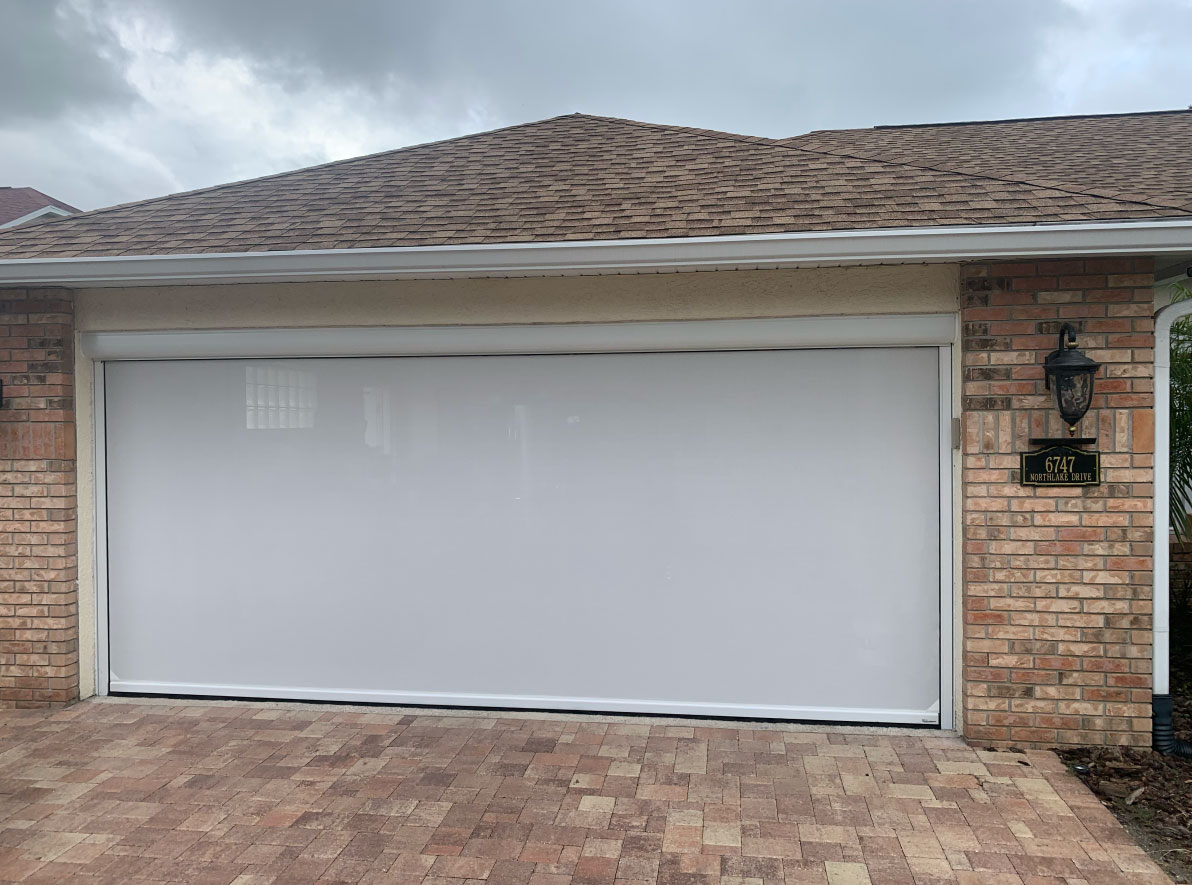
Smart motorized screens provide an on-demand alternative. You get full insect protection and heat relief when the screens are down, and completely uninterrupted open-air views when they retract into their sleek, color-matched cassettes.
To ensure flawless communication between your motorized screens and your smart home network, keep these practical setup tips in mind:
In Tampa Bay, smart controls earn their keep because the weather changes fast. A schedule can lower your screens before the afternoon sun hits the lanai, a wind sensor can raise them when a summer storm gust rolls through, and an app lets you check on them from work or vacation.
From roughly June through September, afternoon thunderstorms build quickly across Hillsborough and Pasco. Homeowners in Lutz, New Tampa and Wesley Chapel often set a sun routine for strong west-facing afternoon light and let a wind sensor handle sudden gusts. Learn more about motorized screens in Wesley Chapel.
On the Pinellas beaches, steady breezes and salt air make automatic wind protection even more useful. In St. Pete Beach and Clearwater Beach, a routine can lower insect mesh at dusk, when no-see-ums come out, and raise everything if the wind picks up. During hurricane season, June 1 through November 30, the app makes it easy to confirm every screen is retracted before you leave town.
Usually not, because most hardwired screen motors need household power to move. That is why it pays to raise your screens as soon as a storm is in the forecast instead of waiting. Once power returns, the motors and app reconnect, and your schedules and routines pick up again.
Yes. With a Wi-Fi bridge connected to your home network, you can raise or lower your screens from a phone app anywhere you have service. That is handy for seasonal residents and frequent travelers who want to check their screens when a storm is headed toward the Tampa Bay area.
Many motorized screen systems can connect to popular voice assistants and smart home platforms through a compatible bridge. Exact compatibility depends on the motor brand and your existing setup, so we review your devices during the in-home consultation and recommend the control option that fits your home.
Book a free in-home consultation, and our own install crew will measure your openings, walk through control options and give you a quote in person. Every motor is backed by our lifetime motor warranty. Call (813) 252-6813, review our motorized screens, or fill out our project form to get started.
Free In-Home Estimate
Leave your name, phone and ZIP. Our local Gibsonton team will call to set up a free measure. No pressure, no obligation.
No pressure and no guesswork. One local team takes you from first call to final install.
Call (813) 252-6813 or send a quick form. Tell us what you want to shade and we will set a visit time that works for you.
We measure your space, bring real fabric and finish samples, and give you a detailed, no-obligation quote. Prefer to see it first? Walk into our Gibsonton showroom.
Our own crew installs. No subcontractors. Every job carries an itemized warranty, including a lifetime warranty on tubular motors.
Financing available through Enhancify. Serving Tampa Bay, Sarasota, Bradenton & Venice.
Seen something you like?
Every West Shore Shade quote is done in person, because every opening is different. Tap what you’re interested in and answer a few quick questions so we arrive prepared. A real person from our Gibsonton showroom calls to set up your free visit.
Custom-measured, professionally installed, and backed by a lifetime motor warranty. No pressure, no obligation — just a straight answer on what your space needs.
Call (813) 252-6813Pick your product, leave your number, and we'll call to set a time. No pressure, no obligation.
A West Shore Shade specialist will call you shortly to set your free in-home estimate. Need us sooner? (813) 252-6813
Prefer to talk? (813) 252-6813
“From the first consultation to final installation, the experience was seamless. Our Tampa patio now feels like a luxury retreat.”
“The motorized screens work flawlessly and look amazing. The team was professional, punctual, and so easy to work with.”
“The quality is top-notch and the installation was quick and clean. Highly recommend West Shore Shades.”